
The average app push notification open rate now sits in the low single digits. Many benchmark reports show engagement around 3-7%, depending on industry and how "open" or "tap" is defined. Meanwhile, marketers at retail and hospitality brands, and vendors in the wallet space, often report wallet pass notification engagement in the 20-40% range for well-configured programs.
Most marketing teams have not noticed. Wallet passes rarely appear in attribution dashboards. They are not part of most analytics stacks, so they stay invisible to the people who would benefit most from understanding them.
This gap is not random. There are structural, behavioral, and technical reasons why a notification delivered through Apple Wallet or Google Wallet often commands more attention than app push. Below is what the data shows, why this gap exists, and a practical decision framework for CRM marketers and product managers who need to decide where wallet pass messaging fits in a 2026 channel strategy.
The benchmark problem: what the engagement data actually shows
Start with what is measurable. Recent benchmark reports from major push providers such as Airship and OneSignal show that app push notification engagement often sits in the low single digits for many verticals. Earlier in the last decade, some providers reported much higher push engagement, sometimes at or above 10% in certain categories. The long-term trend runs downward.
Email looks healthier at first glance. Many datasets show reported open rates in the 30-40% range. That number is inflated by Apple Mail Privacy Protection, which pre-fetches email content and can register opens even when a person never reads the message. A more honest picture comes from click-through rates. These often sit in the low single digits and frequently fall below 2% for promotional sends.
Now compare that with wallet pass notifications. In strong implementations and in published case studies from vendors, wallet passes often achieve open and tap rates in the 20-40% range. Location-triggered notifications usually perform at the higher end of that spectrum.
So why do few teams know this? Wallet passes operate outside app ecosystems. Most marketing teams do not track them with the same rigor as app or email campaigns. You will not see a wallet pass column in your Braze dashboard by default. Passes are usually instrumented through custom events or integrations.
One caveat. Comparing raw open rates without adjusting for permission decay, notification fatigue, and audience overlap can mislead you. Wallet pass audiences tend to be higher intent due to the opt-in mechanism. Even with that adjustment, the gap many teams see is too wide to explain with self-selection alone. Structural factors are at work.
Why lock-screen passes command attention
The engagement gap between wallet pass notifications and app push becomes clear once you look at the mechanics. Several structural factors explain most of it.
A wallet pass lives on the device as soon as a user adds it. No app store visit, no download, no login, no push permission prompt inside an app. The barrier between an interested customer and a persistent mobile touchpoint is much lower.
Wallet passes also tie to a specific artifact: a loyalty card, a ticket, a coupon, or a boarding pass. Any notification sent against that pass feels directly relevant to something the user already chose to keep. That is very different from a generic promotional push from an app the user opened twice.
The location and time triggers help too. Apple Wallet lock-screen behavior for passes tied to a location, such as a store or an airport gate, is driven by the operating system. Apple's PassKit spec includes location and relevant-date fields, which allow the system to surface the pass when it is useful, not only when a marketer sends a batch campaign.
Then there is permission psychology. Adding a wallet pass is an active, deliberate action. Users signal intent when they tap "Add to Apple Wallet" or "Save to Google Wallet." They are not passively accepting a permission dialog inside an onboarding flow. This self-selection produces a more receptive audience from the start.
Finally, a wallet pass notification usually appears with the pass card thumbnail, brand color, and logo. It looks distinct from many generic app pushes, and that visual cue increases recognition and tap probability.
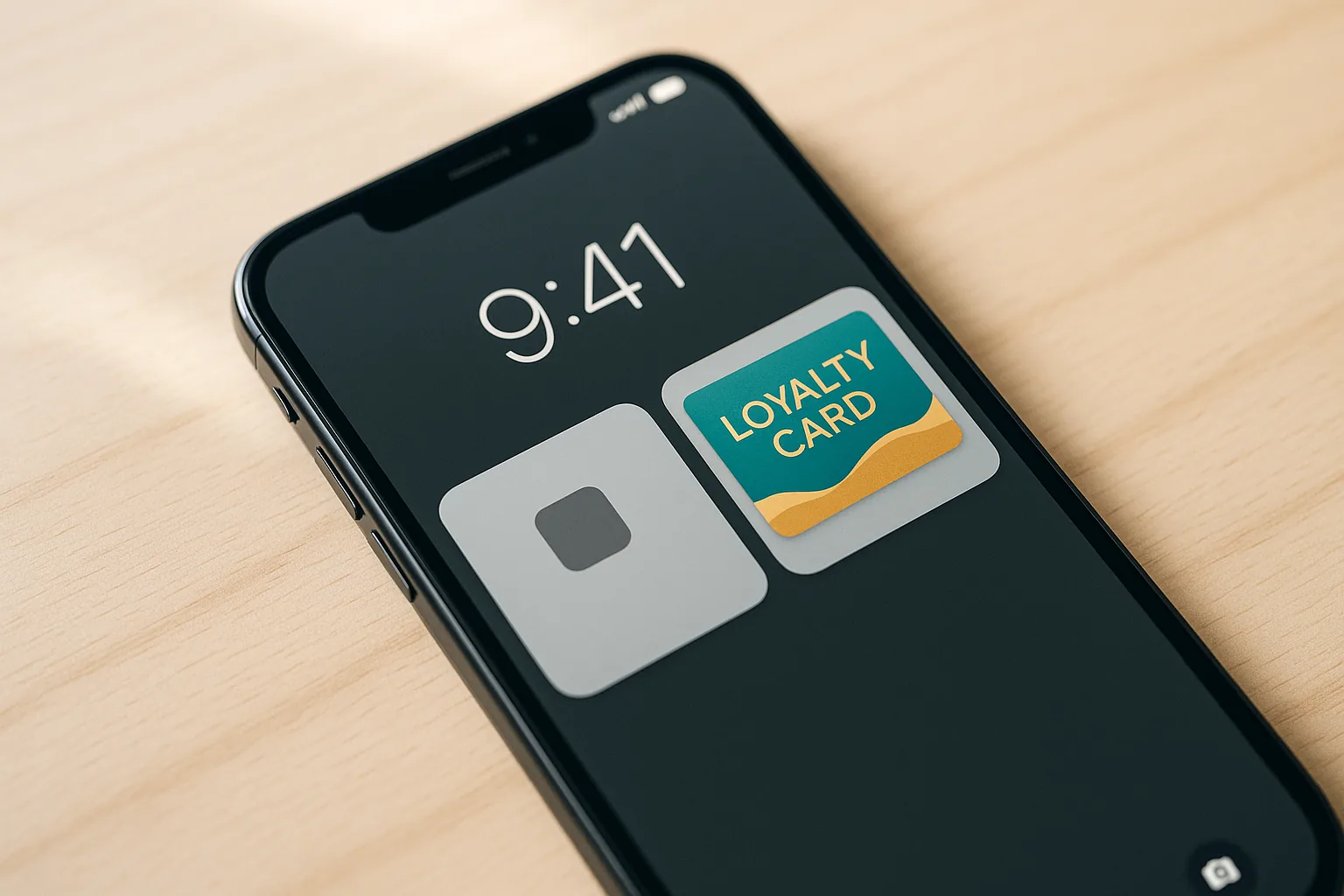
In a notification tray full of delivery updates, news alerts, and social media pings, a branded pass notification stands out. It looks like it belongs to something the user already values.
Where wallet pass notifications deliver the highest lift
The engagement advantage shows up across specific verticals in measurable ways, even if much of the data stays inside brand and vendor teams.
Retail loyalty programs
Retail brands that add wallet pass notifications alongside email-based reactivation campaigns often report higher same-day redemption rates. Passes support real-time, personalized offers such as "Your 500 points expire in 3 days." Email rarely delivers that level of immediacy. By the time a customer opens their inbox, scrolls past promotions, and clicks through, the moment may have passed. A lock-screen notification can reach them while intent is still high.
Hospitality and travel
Hotel key passes and airline boarding passes are among the original wallet pass use cases. Increasingly, hotel groups use pass update notifications to upsell room upgrades, share check-in readiness, and drive food and beverage spend during the stay. The pass becomes an active channel for the full guest stay window.
Transit and events
Transit agencies and event venues use time- and location-aware pass notifications for gate changes, delays, and last-minute upgrade offers. These messages reach passengers or attendees when they are physically close to the action. That kind of contextual relevance is difficult to match with a batch email campaign.
A closer look: retail re-engagement
Consider a simple example. A mid-size specialty retailer runs a "lapsing customer" email drip. The flow sends three emails over 21 days with rising discounts to bring back customers who have not purchased in 90 days. The open rate on these emails averages around 18%. Click-through sits at roughly 1-2%. Conversion is under 1%.
Now consider an alternative flow. At the point of the customer's last purchase, they add a loyalty pass to their wallet. Sixty days later, the pass updates their points balance and sends a notification: "You have 420 points. Use them before July 15 for 20% off your next visit." The notification fires at 10 a.m. on a weekday. If the customer is within a mile of the store, the pass can appear on the lock screen automatically.
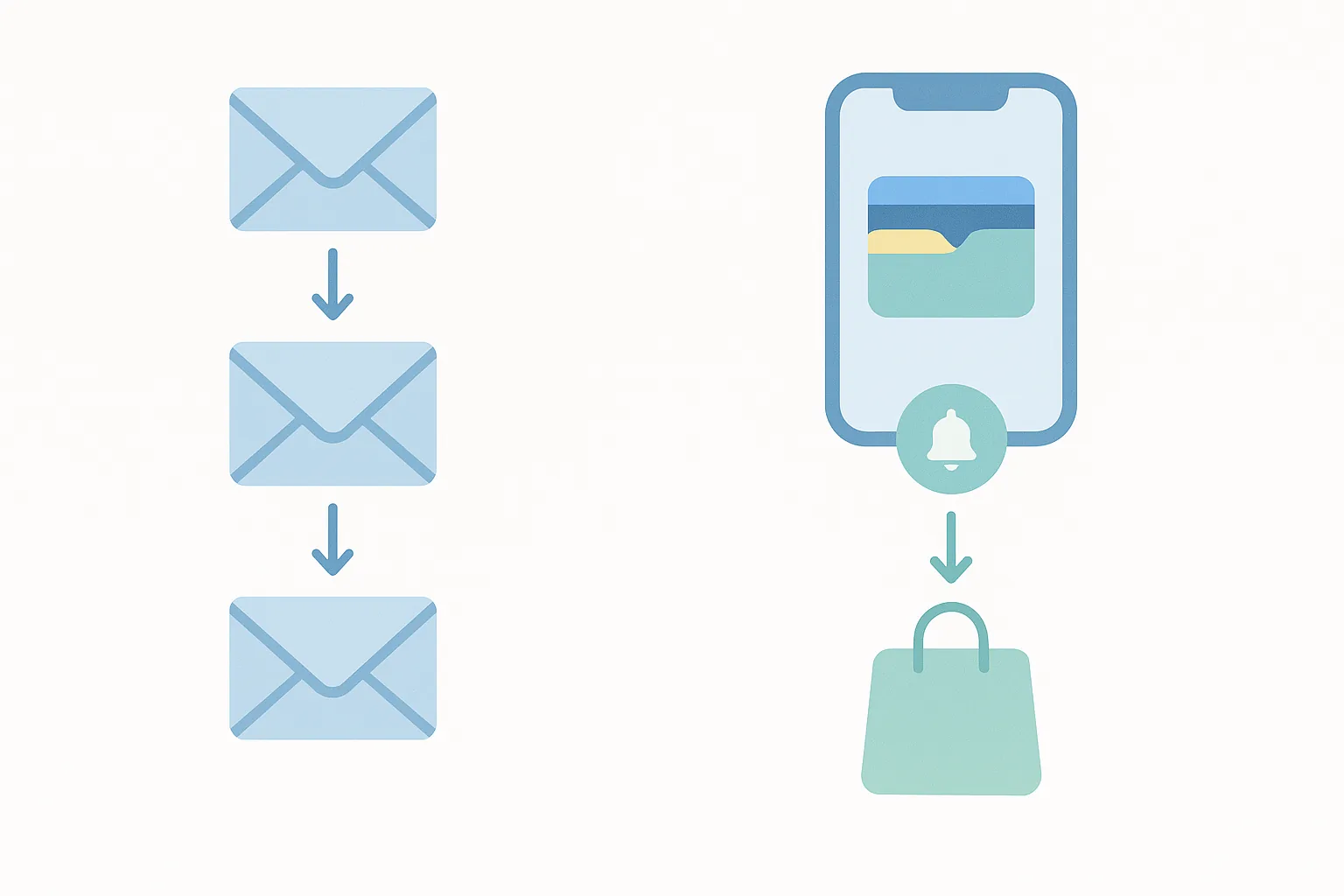
In programs like this, the math often changes. Teams report double-digit tap rates on the notification, higher click-through into the offer, and several-fold higher conversion than the email-only control. Three factors usually explain the difference: a pass-specific deep link that sends the customer straight into a redemption flow, a single clear call to action, and a time-of-day or location trigger that matches shopping behavior.
Hospitality brands see similar results. Some send room upgrade offers by pass notification in the hours before check-in, in addition to email, and engagement on the pass is often much higher than on the email alone. Transit agencies that use location-triggered pass updates for service disruptions also report very high engagement because the updates are immediate and relevant.
When wallet pass messaging should replace or supplement your CRM stack
Not every message belongs in a wallet pass. A simple framework can help. Plot your messages on two axes: urgency, from low to high, and context dependency, from generic to highly contextual.
Wallet passes are especially strong in the high-urgency, high-context segment. Email still works well for low-urgency, content-rich communications such as newsletters, product education, and brand storytelling.
Use wallet pass notifications instead of other channels when you send:
- Time-sensitive transactional messages such as order ready for pickup, gate changes, or points expiring
- Location-triggered offers when a customer is near a store, at a venue, or arriving at a hotel
- Re-engagement nudges for lapsed loyalty members when email deliverability has degraded
Supplement with wallet pass notifications when you:
- Need a redundancy layer for critical messages, for example a flight delay where you send both email and a pass push
- Have already sent a promotional offer via email and want a last-touch reminder before the offer expires
If you already have a mobile app, wallet passes are not a replacement. They act as an acquisition and engagement channel for the large share of loyalty members who never download the app or churn quickly. Your app serves your most active users. A wallet pass extends reach to everyone else.
A quick self-assessment for your team. Do you have a loyalty or membership program with a physical or digital card equivalent? Do you have a transactional artifact such as a ticket, boarding pass, or receipt that customers already think of as something they carry? Are your app push permission rates or active-user percentages lower than you want? If you answer yes to two or more, wallet passes should likely be on your CRM roadmap.
Common mistakes that kill wallet pass notification performance
The strong engagement rates above come from well-configured implementations. Poorly executed wallet pass programs lose that advantage quickly. These are the most common mistakes.
The first is over-notifying. Wallet passes earn attention because users associate them with utility, and brands that send promotional blasts at app-push frequency damage that trust. Users can reduce or silence notifications for Wallet and Google Wallet at the system level, but often the most decisive way to stop notifications is to remove the pass. Over-messaging becomes a hard unsubscribe risk. Every notification should pass a simple test: would the customer thank me for this?
The second is generic, non-personalized pass content. Sending the same static pass to all users wastes the main strength of the medium. Pass fields such as points balance, tier status, expiry date, and personalized offers should update dynamically. The pass should look current every time the user checks it.
The third is ignoring location and time trigger configuration. Many implementations leave Apple PassKit geolocation and relevance-date fields unused, which means the most powerful contextual notification surface never activates. If you are not configuring these fields, you are missing a core benefit of wallet passes.
The fourth is a weak analytics setup. If you do not instrument deep links, track pass open events, or connect pass engagement data back to CRM profiles, you limit your ability to improve performance. At minimum, set up pass add and remove event tracking, notification tap attribution, deep link click-through measurement, and a connection from pass events back to your CRM or CDP profile.
The fifth is a weak opt-in experience. If users do not understand the value of adding the pass, acquisition rates will stay low. The opt-in moment is a marketing moment. It needs a clear value proposition, and a bare QR code on a receipt is not one.
What this means for your 2026 mobile marketing strategy
The practical channel hierarchy for many CRM teams today runs email, then app push, then SMS. Some teams are starting to shift that stack toward email, then wallet pass, then SMS, with app push reserved for users who are actually active in the app.
Several trends support this shift.
On privacy, iOS and Android keep tightening app tracking and notification permissions. Wallet passes operate without IDFA or third-party cookies, and users add them explicitly. Wallet passes still fall under privacy laws such as GDPR and CCPA, but the mechanism is a stable, direct, consent-based relationship.
On cost, building and maintaining native mobile apps is expensive. Wallet pass infrastructure usually costs less and is easier to run, which makes it accessible to mid-market brands that cannot justify full app development but still need a mobile-native CRM touchpoint. Services like Passmint provide APIs and SDKs for generating Apple Wallet and Google Wallet passes, so teams do not have to build pass infrastructure themselves.
On reach, Google Wallet's recent feature growth on Android now brings it closer to Apple Wallet on iOS. Differences remain, but passes now work as a cross-platform channel instead of an Apple-only edge case. This is the point where wallet pass investment becomes a mainstream CRM decision rather than a niche experiment.
Brands that build wallet pass notification habits with their customers now are likely to gain an early-mover engagement advantage. As more brands adopt the channel, that advantage will shrink.
The pass card on the lock screen
While much of the industry focuses on adding SMS touchpoints or upgrading push tools, the data points somewhere else. It points to a pass card on the lock screen of your customers' phones.
The structural advantages of wallet pass notifications are not a short-term anomaly. They reflect how people now react to brand communication: they will read a message that tells them something about a credential they chose to carry, and they will ignore one more promotional broadcast.
If you are willing to rethink your channel architecture, wallet pass messaging should be part of that shift.
Primary sources
Common questions
Technical content writer, Passmint
Julio is a technical content writer at Passmint. He writes about Apple PassKit, the Google Wallet API, and what breaks when wallet passes meet production traffic.
More from Julio Song →