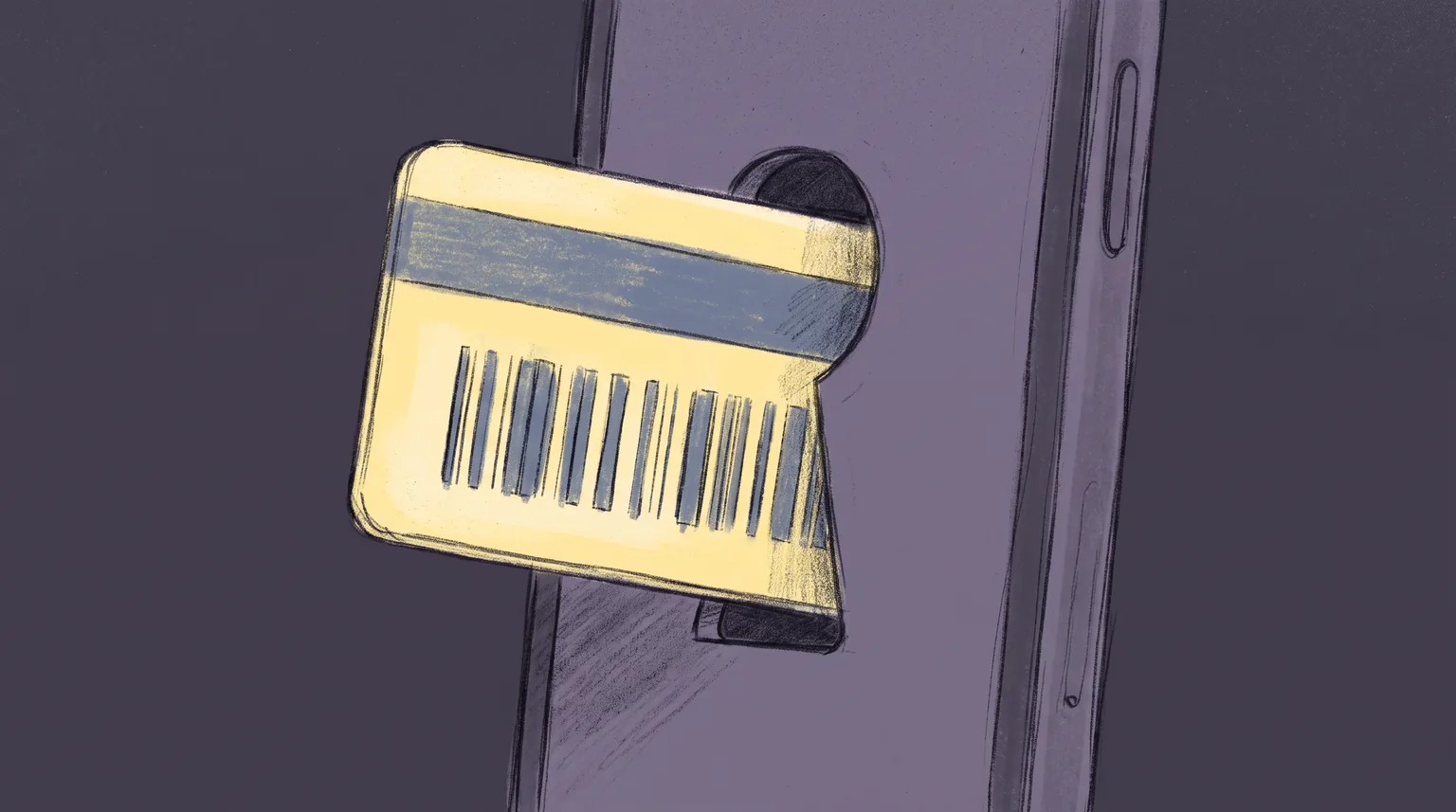
A developer in Seattle wanted her library card on her phone. Not a screenshot, not a photo in a notes app. A real pass in Apple Wallet, the kind that lights up the screen and slides into place at the counter. She had a paid Apple developer account, a Bash script, and an afternoon. What she did not have, it turned out, was a barcode format Apple Wallet was willing to read.
That should not have been a project. Public libraries served more than 155 million registered users in 2023, according to the most recent federal survey, more card-carrying members than most retail loyalty programs will ever sign up. Ask Apple Wallet to hold one of those cards and the honest answer, from library after library, is no. Santa Clara County Library District puts it plainly in its own help pages: "The Apple Wallet app does not support library cards." San Francisco Public Library says the same thing in almost the same words. Neither library is guessing. Neither is being lazy. The barcode printed on nearly every library card in the country was never on Apple's list to begin with.
If you run a program that issues any kind of membership card, an ID, a badge, a punch card, you have probably assumed a wallet pass is just a matter of building it. Libraries are the clearest counterexample in the wild: a network with more members than nearly any consumer brand can claim, motivated staff, and a well-documented platform, still mostly locked out. The reason is not effort. It is a barcode format nobody in this story chose, and a fix that already exists but almost nobody has wired up.
The barcode on every card in your pocket
Open your wallet and the library card looks like every other laminated rectangle in there, but the line printed on the back is doing something a store loyalty card's line usually is not. Most library systems still issue cards in Codabar, a barcode symbology that predates the barcode scanner on your grocery store's belt. Libraries adopted it early because it is cheap to print, easy to read with a basic laser scanner, and simple enough that a library could generate sequential patron numbers without much computing power behind the circulation desk.
Decades of self-checkout kiosks, staff scanners, and integrated library systems got built around that choice. A library switching barcode formats today is not editing a spreadsheet. It is touching every scanner at every branch, every record in a system some vendors have run for twenty years, and every card already in a patron's hand. Codabar stuck around for the same reason old protocols always do: replacing it costs far more than living with it.
A smaller number of systems print Code 39 instead, an older symbology with the same story: cheap, durable, and just as embedded in circulation hardware nobody wants to touch. Code 39 runs into the identical wall on Apple's side, since it is also missing from the four formats Wallet accepts, though it at least shows up on Google's supported list alongside Codabar. Either way, the barcode already on the card in your patron's hand was chosen decades before anyone at that library was thinking about a phone screen.
Apple picked four formats, and Codabar isn't one
Apple Wallet passes carry their scannable code in a barcodes field, and that field only accepts four values: PKBarcodeFormatQR, PKBarcodeFormatPDF417, PKBarcodeFormatAztec, and PKBarcodeFormatCode128. Apple's own Wallet developer guide lists exactly those four and nothing else. Codabar is not on it, was never added to it, and nothing in the current spec suggests it is coming.
That is not an oversight anyone at Apple needs to fix before your next release. It is a closed list, and every pass issuer building on PassKit inherits it whether their barcode problem is a library card, an old membership system, or a legacy access badge. Popular open-source tooling mirrors the same restriction rather than working around it: passkit-generator, one of the most widely used Node libraries for building .pkpass files, ships its barcode method against that same closed set. The limitation lives in the platform, and every layer built on top of it just repeats the same four letters back.
The list has not moved in a long time either. Wallet passes trace back to Passbook, introduced in 2012, and the barcode format story has stayed close to that original shape ever since. watchOS narrows the list even further, dropping Code 128 entirely, so a pass meant to show up on a wrist has three usable formats rather than four. None of that leaves room to slot Codabar in as a fifth option, quietly, in a point release. A library building against PassKit today is building against the exact same four values a developer would have found in 2015.
Google already made room for it
Google Wallet's generic pass barcode type enum lists twelve values, and CODABAR is one of them, sitting next to CODE_39, CODE_128, QR_CODE, and PDF_417. That single line in Google's documentation is what turns this from an industry-wide dead end into a platform-specific one. A generic pass built for Android can carry the exact barcode already printed on a patron's plastic card, unchanged, in the format their library's circulation system has always expected.
Few libraries have taken Google up on it. Building either Wallet integration still means someone registers as an issuer, writes and signs the pass, hosts an update service, and wires all of it to a patron database that was never designed to talk to a Wallet API. That part of the work is genuinely comparable on both platforms: Google Wallet needs an approved issuer account the same way Apple Wallet needs a Pass Type ID certificate, and neither shows up automatically just because a library decided to try.
The point is not that Android solved this and iPhone did not. It is that the barrier on Apple's side is a different kind of barrier. A library with unlimited engineering time and a signed developer agreement still cannot put a native Codabar barcode into an Apple Wallet pass, because the field that would carry it does not accept the value. On Google's side, the same library clears the issuer paperwork and the barcode itself is no longer the obstacle. Google's blocker is paperwork, and paperwork eventually gets finished. Apple's blocker is a field with four accepted values, and no amount of paperwork adds a fifth.
What your library sends you instead
Look past the libraries that say no outright and a small set have built something, just not the "tap Add to Wallet on your account page" flow you would expect from a bank or an airline. Glen Ellyn Public Library asks you to submit a form with your name and email, checks it against your active account, and then, within three business days, emails you a link that adds your card to Apple Wallet on iPhone or to Pass2U Wallet on Android. The Las Vegas-Clark County Library District runs a near-identical process: fill out a form, wait for an email, click a link from that email on your own device to finish the add.
Both systems work. Neither is instant, and neither integrates with the moment a patron actually wants it, signing up for a card, or standing at self-checkout realizing they left the physical one at home. A three-day wait for a digital copy of a card you already own is a workaround built around a real constraint, not a feature anyone designed on purpose. It is what a library IT team can ship without a vendor contract, and it shows.
Santa Clara County and San Francisco take a different route entirely: skip Wallet, point patrons at the library's own mobile app instead, where the card renders as a barcode and a number inside a screen the library fully controls. That solves the same problem, showing your card without the plastic, but it is a heavier lift than a wallet pass ever needed to be. An app means an iOS build, an Android build, app store review, push notification infrastructure, and an update cycle every time either platform changes its rules, all to display something a signed .pkpass file could have shown from day one. The irony sits right there in the FAQ pages: the library that says Wallet does not support this ships something considerably more expensive to get the same result.
The workaround that already exists
The Seattle developer's Bash script points at the actual fix, and it is simpler than a new Apple Wallet feature. A .pkpass file can show a barcode two different ways: through the barcodes field, which Wallet decodes and validates against those four formats, or as a strip image, a plain picture displayed across the pass. A strip image is not decoded by anything. It is just a graphic, the same way a photo of your card would be, and a self-checkout kiosk's camera reads it exactly the way it reads the plastic card today: optically, by looking at the pattern, not by asking Wallet what symbology it claims to be.
Render a Codabar barcode as a crisp image, drop it into the strip, and the format restriction stops applying, because nothing in Wallet is trying to interpret the barcode as data anymore. This is the same trick third-party "add my card to Wallet" apps already use for barcodes Apple's spec was never going to accept, and it needs no cooperation from Apple at all. A pass designer that treats barcodes and images as separate, controllable fields, rather than forcing every code through the same four-format gate, can ship this today.
Nobody has automated the fix yet
If the fix is that available, the gap is not technical anymore. It is that almost nobody has connected it to a real signup flow. Glen Ellyn and Las Vegas-Clark County both prove a library can get a working pass into a patron's Wallet. Both still route it through a manual request and an email, the same pattern you would expect from a team solving this once with the tools on hand rather than a platform built to do it at signup for every new card.
That gap usually comes down to who owns the problem. A library's integrated library system vendor manages patron records and circulation, not Wallet passes. Building the missing piece, generating a signed pass with the barcode rendered correctly the moment a card is issued, sits outside what most of those vendors have ever shipped, and a library's own IT budget rarely stretches to build it from scratch. The result is a feature that is technically solved and organizationally homeless.
Public library systems in the United States number in the thousands, and no single vendor runs all of them on one platform the way a national bank or airline runs its own systems end to end. That fragmentation is exactly why nobody has felt enough pressure to build this once and sell it everywhere. A feature worth building for 155 million registered users, spread across thousands of separate customers each running their own contract cycle, ends up worth building for none of them individually.
What to check before you copy this pattern
If you are issuing any pass tied to a barcode format your team did not choose, whether it is a decades-old library system, an access badge, or an inherited membership program, run the same check before you assume Apple Wallet is a dead end.
Is your barcode format actually on Apple's list? QR, PDF417, Aztec, and Code 128 are the only four. Anything else, Codabar included, needs a different plan before you write a line of integration code.
Can the value be re-encoded instead of re-rendered? If your scanners read the underlying number rather than the specific symbology, encoding that same value as Code 128 or QR might work without an image at all. If your hardware is tuned to Codabar specifically, this option is closed.
If re-encoding is off the table, can you render it as an image? A strip image sidesteps the format restriction completely, at the cost of needing a camera-based reader rather than a dedicated laser scanner, and needing enough contrast and resolution that the image scans cleanly on a bright and a dim screen alike.
Does the pass need to update itself later? A library card that gets suspended, renewed, or reissued needs the same push-and-refresh mechanics as any other Wallet pass, whichever barcode approach you pick.
None of that requires a partnership with Apple, a new barcode format shipping in iOS, or a multi-year procurement cycle with an ILS vendor. Passmint issues generic Wallet passes with full control over barcode fields and strip images alike, so a format Apple's spec was never going to accept does not have to mean the card stays in someone's back pocket.
Primary sources
Common questions
Technical content writer, Passmint
Julio is a technical content writer at Passmint. He writes about Apple PassKit, the Google Wallet API, and what breaks when wallet passes meet production traffic.
More from Julio Song →