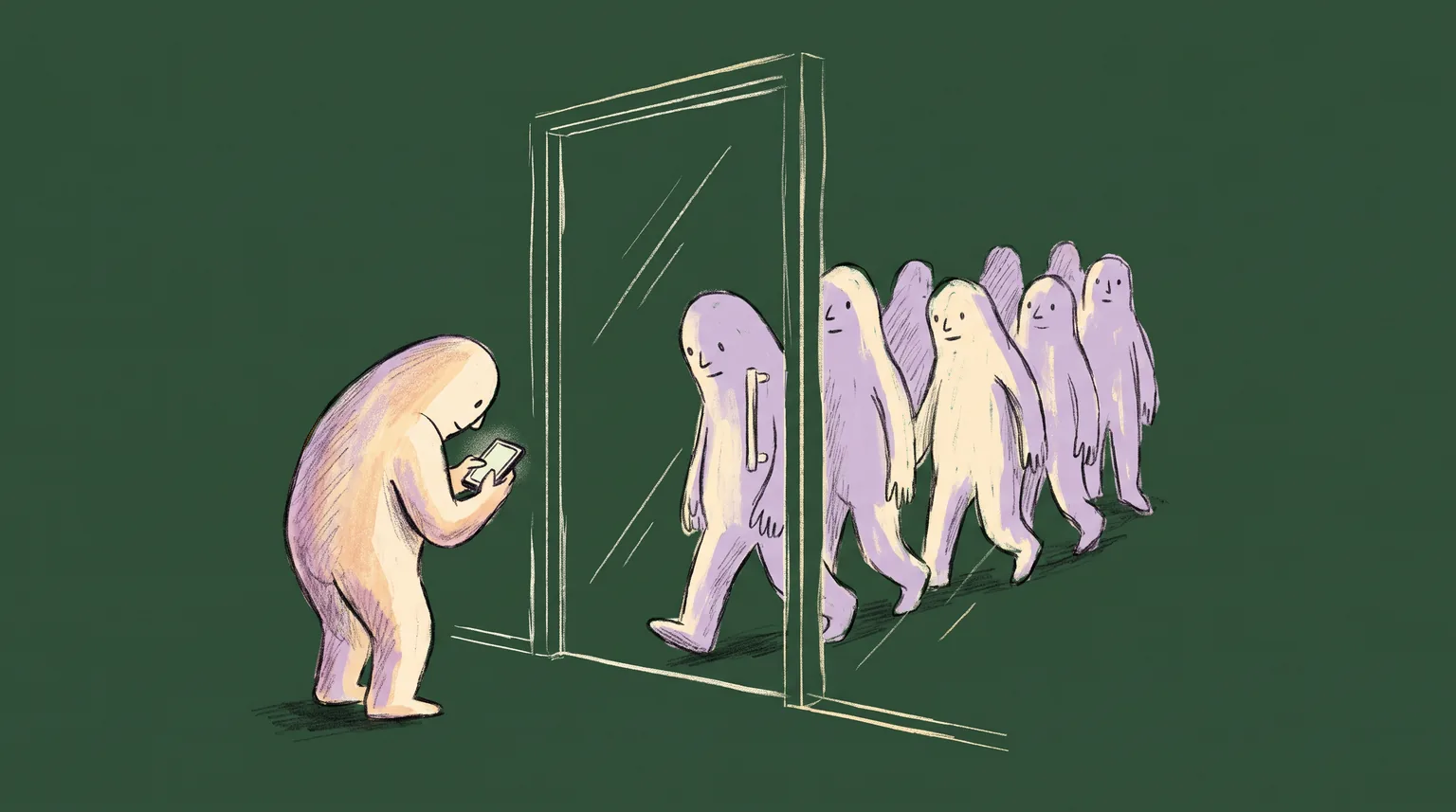
Picture a coworking lobby at 8:47am on a Tuesday. A freelance designer stands there with a day pass confirmation in her email. She has no keycard and no app, and the person at the front desk is on a call. The resident members walk past her with their phones in their hands and never break stride.
That contrast is the state of digital access in flexible workspace. The operators who moved first built a good door for the people who stay. Far less has been built for the people who visit. Here is where the wallet keycard stops, why, and what a simpler pass can do for the rest of your building.
The door was built for the people who stay
WeWork's digital keycard is the best-known example of a coworking operator putting access into a phone. It works in Apple Wallet on iPhone and over NFC on Android. It also works on Apple Watch, and Express Mode turns on automatically on iOS, so a member taps the reader without waking the phone.
Read the eligibility line, though. WeWork's own help page says the digital keycard is available for Private Office and Dedicated Desk members. It is live at select locations in the UK and Ireland, most of them in London, plus one in Manchester and two in Dublin. Setup starts in the WeWork app, asks for a six digit code sent by email, and requires that the member's physical keycard be activated first.
None of this is a criticism. It is a sensible place to start. A member with a dedicated desk walks through the same door hundreds of times a year, so the tap saves real time, and the operator knows exactly who they are.
The path here was slow. In April 2022, Cult of Mac reported that code inside the WeWork app pointed to an "add to wallet" button, months after Apple added office key support to Wallet in iOS 15. The same piece described corporate adoption of the feature as slow, while hotels took to it quickly. Years later, the result is a keycard that covers two membership types at a handful of buildings.
If you run a space, you probably recognize the pattern. The first wallet project goes to your most loyal members because they are the easiest to justify. The second project rarely gets funded.
Everyone else goes through the front desk
Now look at how the rest of a coworking building gets in. WeWork's All Access membership gives you monthly credits to book private offices for the day or meeting rooms by the hour. The page says you provide a government-issued ID when you arrive for your first visit, and then the community team issues your keycard.
Industrious sells a day pass for business hours, 8:00am to 5:00pm, with no commitment, at more than 250 locations. Its coworking access members get 24/7 entry at their home location, and they can bring two guests a month.
Each of those offers creates a moment at the door. Someone arrives who is not in the member list as a resident and has to be recognized, verified, and waved in. In many buildings a person does that work, and it is often the community manager, who would rather be running events and solving problems.
The scale of the category makes this more than a niche worry. Industry trackers estimate roughly 42,000 coworking spaces worldwide at the end of 2024, with close to 5 million people working from them. Those counts come from trade estimates, so treat them as rough. Every one of those buildings has a door, and most have someone deciding who comes through it.
Why the key stays with residents
The obvious question is why operators do not simply give every visitor a wallet key. The answer is cost and plumbing, not a lack of imagination.
An Apple Wallet door credential is an NFC credential. The access control vendor Kisi lists what it takes: Apple-certified readers that speak the right protocol, credential management software, and a provisioning flow inside an enrollment app. Kisi also says the service typically carries a recurring, per user software license cost. Providers that issue NFC passes also describe an approval step from Apple first, and quote anywhere from two weeks to a month or more.
That is a fair price for a resident. It buys something valuable, too. Kisi notes that with Power Reserve, an employee badge in Apple Wallet still works for up to five hours after the phone battery dies. A member who forgot to charge their phone still gets in.
Now run the same math for a visitor. A day pass buyer might come once. A guest might come once in their life. A per user license and a provisioning step for someone you will see for eight hours is hard to defend, and this is reasoning, not a figure from any operator. The economics that make a wallet key right for a resident make it wrong for a drop-in.
Kisi does offer temporary access for guests, through QR codes or access links that work without the app. That is telling. Even the vendor with an Apple partnership reaches for a barcode when the visitor is temporary.
A second kind of pass for the other door
There are two jobs here, and they need different tools. A wallet key opens a lock. A wallet pass proves who you are and what you have bought, and it lets a scanner or a human check that in a second.
A barcode pass does not need an NFC entitlement, a certified reader, or a per user license. It needs a signed file, a QR code, and a reader that can scan it. That reader might be a tablet at the front desk, a phone held by a community manager, or a scanner mounted by a turnstile.
What goes on the pass is where it gets useful. For a day pass buyer, the front carries the name, the date, the location, and the hours the pass is valid. Because the pass is signed, the scanner can reject last Tuesday's code. When the day ends, the pass can update to expired, so nobody is showing a stale code in a screenshot the next week.
For a guest, the pass can carry the host's name and the visit window. The host sends it, the guest adds it to Apple Wallet or Google Wallet in two taps, and the community manager never has to write a name on a sticker.
Neither of these passes replaces a lock. A space with a keycard reader still needs its credentials. The pass gets the visitor to the point where a person or a scanner says yes, and from there the existing door system takes over.
Credits are the case study
WeWork's own All Access plan shows why a pass can earn its place even for people who already have a keycard. Members get two or three monthly credits depending on the tier, and the page says unused credits do not roll over into the next month. They can buy bundles if they run out. Plus members can reach 450 or more locations across 120 cities, and the Basic tier covers more than 100.
Look at what that is. It is a balance that goes down, resets on a fixed date, and punishes the member who forgets about it. That is also a description of a loyalty punch card, a fuel card, and a gym class pack. The member has to open an app and find the number each time they care about it.
A pass can hold that number on its face. "2 credits left. Resets October 1." It updates after each booking, because the booking system tells the pass server and the pass server sends the change to Apple Wallet and Google Wallet. A notification can go out on the 28th, the day it matters, when a member still has a credit left and a day left to use it. You do not need a separate email campaign, and you do not need the member to remember to open anything.
The same card can cover the first visit problem. WeWork asks for a government-issued ID at a first All Access visit before the community team issues a keycard. A pass cannot replace that check. It can record that the check happened, so the second visit at a different location does not start from scratch. Whether an operator wants to store that flag is a policy decision, and it is one you should make on purpose.
What this looks like for a small operator
Consider a representative independent space with two locations and a community manager at each, based on an anonymized example rather than any single operator. It sells monthly memberships, a day pass, and a ten visit bundle. It runs an ordinary keycard reader and has no plans to replace it.
Today a day pass buyer books online and gets a confirmation email. On arrival, the community manager finds the name in a spreadsheet or a booking tool, checks the date, and buzzes the person in. The ten visit bundle is tracked on paper or in a spreadsheet, and the count is wrong at least once a month.
With a barcode pass, the booking confirmation contains an Apple Wallet and Google Wallet link. The bundle pass shows "7 visits left" and drops to "6" the moment the desk scans it. The day pass expires on its own. The community manager scans a code and sees a green screen, then goes back to the member who needed help with the printer.
We do not have a measured result to quote, and you should be suspicious of anyone who offers a precise one. What you can measure yourself is simple. Count the minutes your front desk spends confirming visitors on an ordinary Tuesday, then count again after a month.
What to check before you build
If you run a space, or you sell software to people who do, work through these before you spend anything.
Who needs a lock credential? Residents with a dedicated desk or office, yes. Everyone else probably does not. Keep the list short and justify each addition against the license cost.
Who needs a check-in pass? Day pass buyers, guests, bundle holders, event attendees, and anyone else who shows up without a keycard.
What number changes on a schedule? Credits, visits, and guest allowances are all counters with a reset date. Any counter a member asks about belongs on the pass.
Who reads the barcode? A tablet at the desk is the cheapest answer. A scanner at a turnstile is the faster one. Pick the reader before you design the pass, because the pass has to match it.
What does expiry do? Decide what a pass shows the morning after a day pass ends, and make sure the scanner agrees with it.
What do you keep on the pass itself? Name, dates, and counters belong there. Identity documents do not, and neither does anything you would not want on a lock screen.
Start with the visitor, not the resident
WeWork's keycard shows where wallet access began. It reached the members with the most to gain and the fewest surprises, at the sites where the hardware was ready. That was a reasonable order of operations for a company with 450 locations.
For a space with a lobby, a day pass and a front desk, the order can be different. Start with the people who arrive without a card and make that moment fast. A barcode pass costs far less to issue than a door credential, it works with the reader you already own, and it puts the balance, the date and the host's name where the visitor can see them.
Passmint issues passes like these for Apple Wallet and Google Wallet, with fields that update after the pass is installed. The developer docs walk through a first pass in a few minutes, and a day pass is a good one to try.
Primary sources
Common questions
Technical content writer, Passmint
Julio is a technical content writer at Passmint. He writes about Apple PassKit, the Google Wallet API, and what breaks when wallet passes meet production traffic.
More from Julio Song →